26 templates47 states covered

Stamp Your First Exhibit in 30 Seconds
Court-Compliant. From $4.99.

$4.99 per sessionvs.$239.88 per yearfor Adobe Acrobat Pro.

Upload your PDF. Pick from 26 court-compliant templates. Download. Done. Your files never leave your browser.

Free to Preview · No Card Required
Browse 26 Templates
or
Templates26 court-compliant
Coverage47 states
Browser-basedFiles never uploaded
Guarantee7-day money-back
Payment
+ Apple Pay
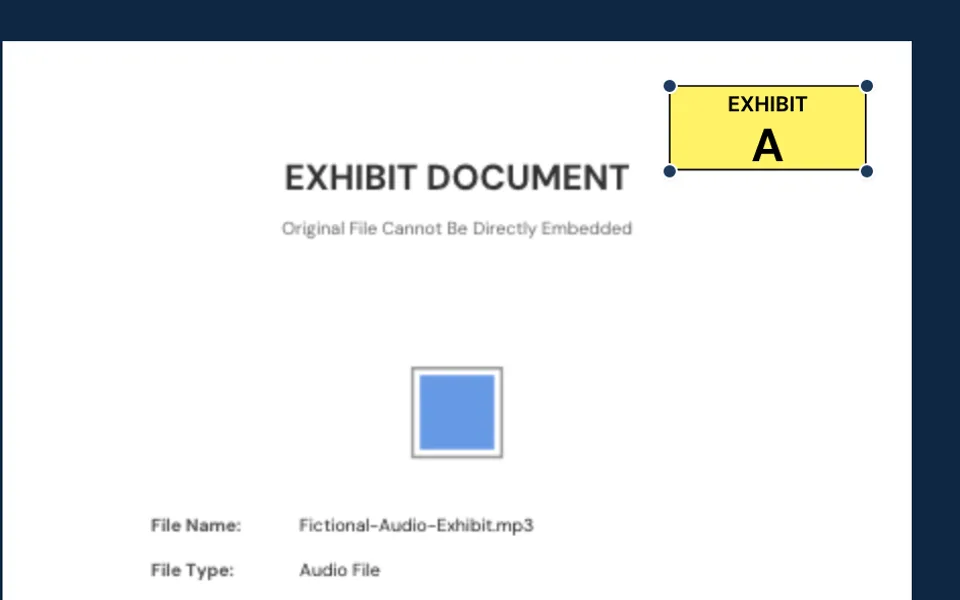
PLAINTIFF'SEXHIBIT A

See ExhibitPrep in Action

Watch how to stamp, organize, and combine exhibits in under 30 seconds.

Video loading

No Expensive Subscriptions. No Software to Install. No Device Limitations.

Adobe Acrobat's $239.88/yearPay only when you need it
Desktop InstallationWorks instantly in any browser
Windows-Only ToolsMac, Windows, iPad, Chromebook
$70-95/year Lock-InFrom $4.99 per use

Your Files Never Leave Your Computer

All processing happens in your browser—nothing is uploaded anywhere. Whether you're protecting client files or personal financial records, no one else ever sees them.

Ready in 60 Seconds - No Installation

Open your browser and start stamping. No software to download, no IT approval needed. Works instantly on any device you own.

Templates Courts Expect to See

26 templates match exactly how courts want exhibits labeled—so you walk in prepared, not guessing if you got the format right.

From Chaos to Court-Ready

See the difference professional exhibit preparation makes

Before
Ex. A?
???
Manual prep: 2+ hours
  • ×Inconsistent labels
  • ×Handwritten numbers
  • ×Hours of tedious work
After
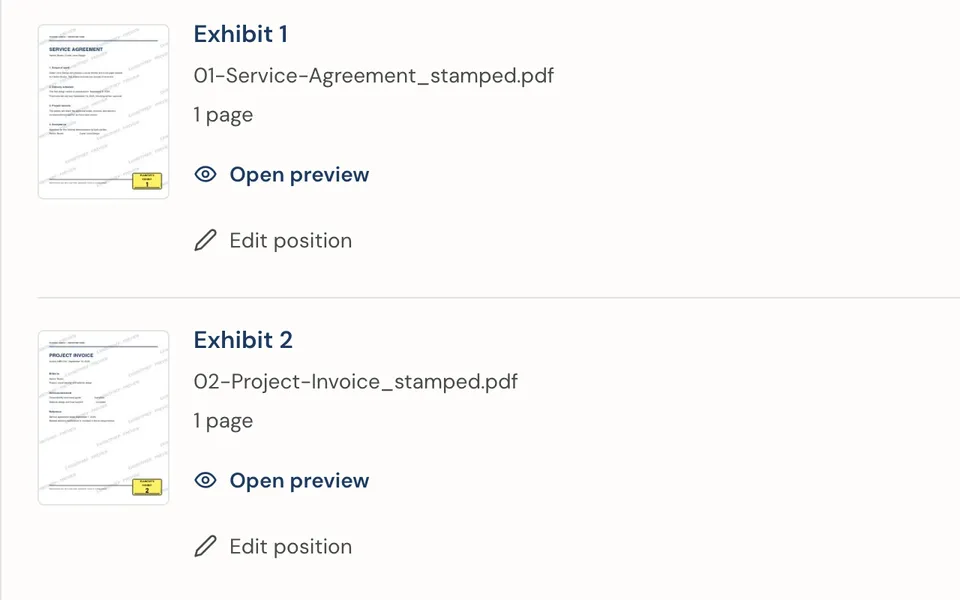
EXHIBIT 1
EXHIBIT 2
EXHIBIT 3
ExhibitPrep: 5 minutes
  • Professional stamps
  • Sequential numbering
  • Court-ready in minutes

How It Works

Upload Your PDF

Select the PDF document you want to stamp. It stays on your device - nothing is uploaded anywhere.

EX-1

Customize Your Stamp

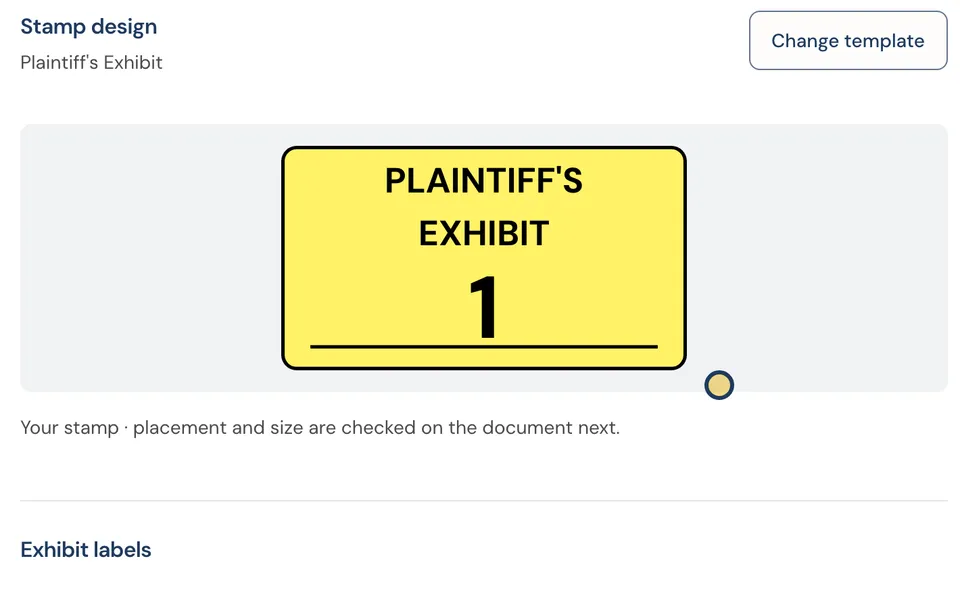
Choose your exhibit label, stamp style, color, and position. See a live preview as you configure.

Preview Free, Pay to Download

See exactly how your stamped exhibit looks—completely free. Like what you see? Pay once and download immediately. Ready to file.

25 Professional Templates for Every Practice Area

From simple exhibit labels to complex multi-party litigation stamps. Find the right template for your case.

Basic

2 templates

Simple exhibit stamps

EXHIBIT
A
EXHIBIT
1
View Templates

Civil

5 templates

Plaintiff, Defendant, Joint

PLAINTIFF'S
EXHIBIT
1
DEFENDANT'S
EXHIBIT
1
+3 more
View Templates

Family

2 templates

Petitioner, Respondent

PETITIONER'S
EXHIBIT
1
RESPONDENT'S
EXHIBIT
1
View Templates

Criminal

2 templates

Prosecution, Defense

STATE'S
EXHIBIT
1
DEFENSE
EXHIBIT
1
View Templates

Multi-Party

6 templates

Complex litigation parties

THIRD-PARTY
DEFENDANT'S
EXHIBIT
1
CROSS-
DEFENDANT'S
EXHIBIT
1
+4 more
View Templates

Arbitration

2 templates

Claimant, Respondent (ADR)

CLAIMANT'S
EXHIBIT
Claimant Name (optional): ABC Corp.
C-1
RESPONDENT'S
EXHIBIT
R-1
View Templates

Deposition

1 template

Deposition transcript exhibits

DEPOSITION
EXHIBIT
Deposition of: J. Smith
Date: 12/15/24
1
View Templates

Court

3 templates

E-filed, marked for ID, received

E-FILED
Court: Superior Court
Filing Date: 12/20/24
+1 more
1
MARKED FOR
IDENTIFICATION
1
+1 more
View Templates

Specialized

3 templates

Demonstrative, Rebuttal, Summary

DEMONSTRATIVE
EXHIBIT
1
REBUTTAL
EXHIBIT
1
+1 more
View Templates

Who Uses ExhibitPrep

Solo Attorneys

No IT department required. Works in 60 seconds.

Law Firms

Zero IT setup. Share across your team instantly.

Pro Se Litigants

Professional stamps without hiring a paralegal.

Paralegals

Faster than Acrobat, works on any computer.

The Traditional Way vs. The Modern Way

Legal technology is moving from desktop software to browser-based tools. Here's why.

Traditional Desktop Software

  • Requires Windows or Mac installation
  • Needs IT approval and admin rights
  • Limited to devices where software is installed
  • Annual subscriptions or expensive one-time fees
  • Updates, patches, version compatibility issues

Modern Browser-Based Approach

  • Works instantly on any device with a browser
  • No installation - no IT approval needed
  • Use on office computer, home laptop, courthouse iPad
  • Pay only when needed - no forced subscriptions
  • Always current - no updates to manage

Acrobat Plugins

  • Require Adobe Acrobat license (additional $240/year cost)
  • Installation and setup process
  • Limited to computers with Acrobat installed
  • Plugin compatibility with Acrobat versions

ExhibitPrep Browser Solution

  • No additional software required
  • Works in any modern browser
  • Instant access from any device
  • One tool, every situation

ExhibitPrep represents the new generation of legal tools: Universal access, no installation friction, always up-to-date, and privacy by design.

Pay Once. Never Again.

Save $180+/year vs. Adobe Acrobat subscriptions.

No subscriptions. No annual fees. Pay only when you need to stamp exhibits.

Stop Paying Adobe's Annual Tax

Adobe Acrobat Pro:

$239.88/year

Whether you stamp 10 or 10,000 exhibits

ExhibitPrep Day Pass:

$14.99/day

Unlimited stamping when you need it

Use ExhibitPrep 16 full days per year before matching Adobe's annual cost.

$4.99
Single Use

Pay once, stamp all your documents in one session.

Use Case:

Stamp exhibits twice a year? Pay $9.98 total. No annual commitment.

Best Value
$14.99
Day Pass - Unlimited 24 Hours

Stamp 5 exhibits or 500 exhibits. Timer starts when you're ready - not when you purchase.

Perfect For:

Trial preparation week, mediation exhibits, large discovery responses, firm-wide exhibit prep

Need unlimited access?

For attorneys who prep exhibits regularly, we offer unlimited plans:

• Monthly Unlimited$39.99/month
• Annual (save $180)$299/year
• EnterpriseCustom

Most active trial attorneys choose Annual

Compare: Most tools require upfront payment whether you use them or not. With ExhibitPrep, you pay only when needed.

No hidden fees. No recurring charges. No account required.

Your Privacy is Guaranteed

No Upload
No Storage
No Access
Device Only

All processing happens in your browser. Your documents never travel across the internet. We never see, store, or have access to your files. This isn't just a promise - it's how the technology works.

Aligned with attorney-client privilege obligations

No third-party access means no additional confidentiality concerns.

Frequently Asked Questions

State-Specific Exhibit Requirements

Every state has different rules for exhibit marking, e-filing, and exchange deadlines. Find your state's specific requirements.

Find Your State's Requirements

Search for state-specific exhibit rules

Popular states:

50 STATESPDF

Free 50-State Quick Reference

Compare marking rules, e-filing systems, and deadlines for all 50 states in one printable PDF.

  • Plaintiff/defendant marking conventions
  • E-filing systems by state
  • Exchange deadlines & primary rules
Download Free Guide

Experience the Difference

Professional court exhibit stamps in 60 seconds

Preview your stamp free. Pay only when you're ready to download. No account needed.

100% Private Processing
Ready in 60 Seconds
No Account Needed