Build and Review an Exhibit Binder
Follow the written steps
Set up per-exhibit labels such as A1 and A2, and check them against the contents.
Trial Binder Page Labels and ContentsIncludes fixes for common problems. To hear the video, choose Watch with narration; captions are available in the player controls.
About This Video
See the current Trial Binder controls, exhibit-based page labels, linked contents, and exact-export review using fictional documents.
Loading transcript…
Ready to Stamp Your Exhibits?
Add your documents and inspect the finished PDF before deciding to purchase a download.
Related Videos
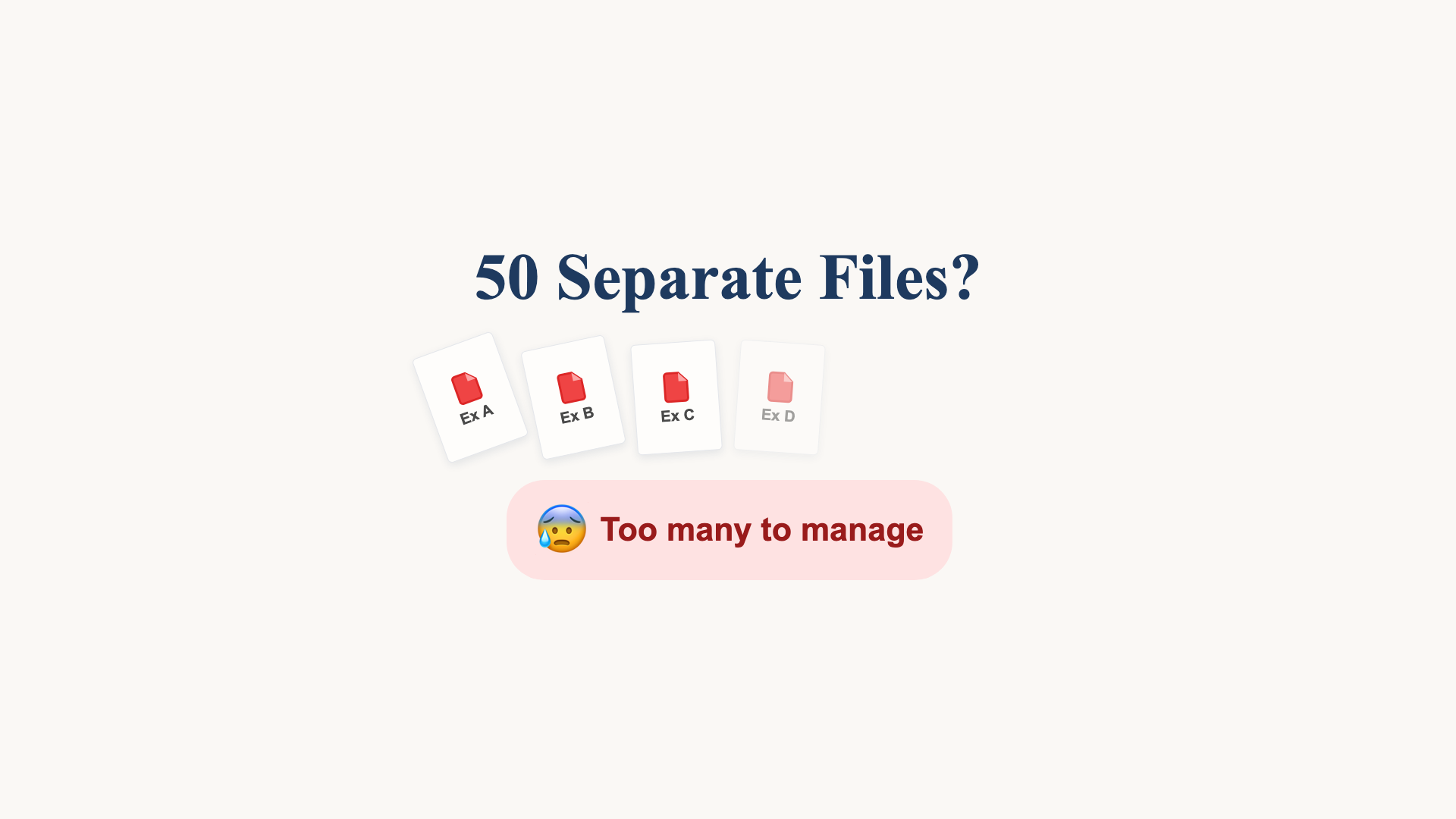
One PDF. Linked Contents. Labelled Exhibits.
See separate PDFs become a combined exhibit bundle with a linked table of contents, then review the exact export.
44 seconds

From Three PDFs to a Reviewed Exhibit Bundle
Watch real app footage: add fictional PDFs, choose labels, position stamps, combine with linked contents, and inspect the exported bundle.
2:04
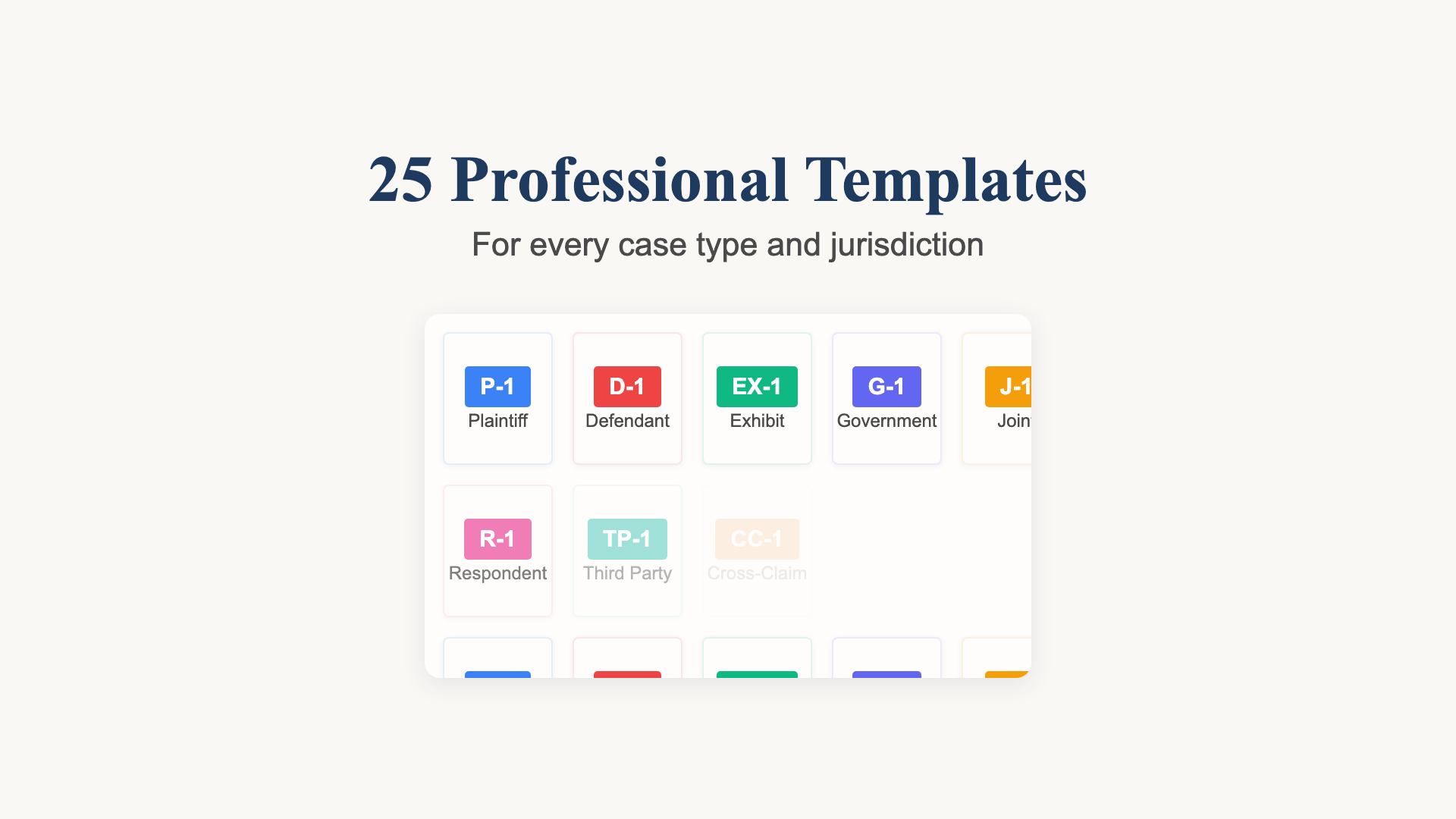
Choose and Check Your Exhibit Labels
A recorded template selection example with Plaintiff’s Exhibit numbering and a review of the actual document output.
36 seconds