Position Your Stamp Without Covering the Evidence
Follow the written steps
Move and rotate a stamp, choose whether documents share its position, and check the finished pages.
Positioning Your StampIncludes fixes for common problems. To hear the video, choose Watch with narration; captions are available in the player controls.
About This Video
See the actual positioning controls and the resulting stamped PDF. Check the placement on your own document before paying.
Loading transcript…
Ready to Stamp Your Exhibits?
Add your documents and inspect the finished PDF before deciding to purchase a download.
Related Videos

From Three PDFs to a Reviewed Exhibit Bundle
Watch real app footage: add fictional PDFs, choose labels, position stamps, combine with linked contents, and inspect the exported bundle.
2:04
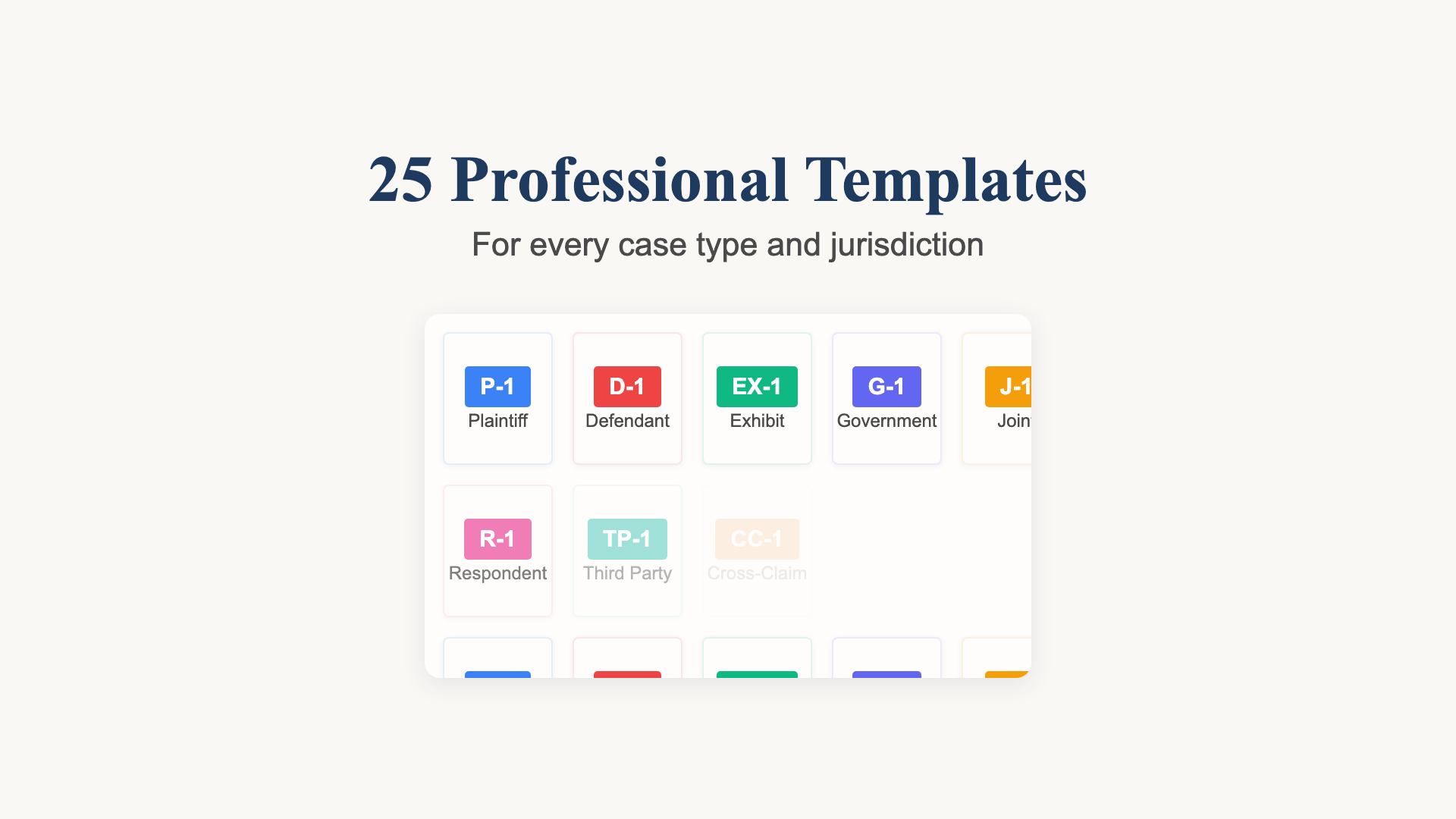
Choose and Check Your Exhibit Labels
A recorded template selection example with Plaintiff’s Exhibit numbering and a review of the actual document output.
36 seconds
One PDF. Linked Contents. Labelled Exhibits.
See separate PDFs become a combined exhibit bundle with a linked table of contents, then review the exact export.
44 seconds