Prepare the Exhibits. Check the Result.
Follow the written steps
Prepare your exhibits in four steps: documents, stamp, review, and download.
Getting Started with ExhibitPrepIncludes fixes for common problems. To hear the video, choose Watch with narration; captions are available in the player controls.
About This Video
A real product walkthrough focused on consistent exhibit labels, private browser processing, and checking the exact export before payment.
Loading transcript…
Ready to Stamp Your Exhibits?
Add your documents and inspect the finished PDF before deciding to purchase a download.
Related Videos
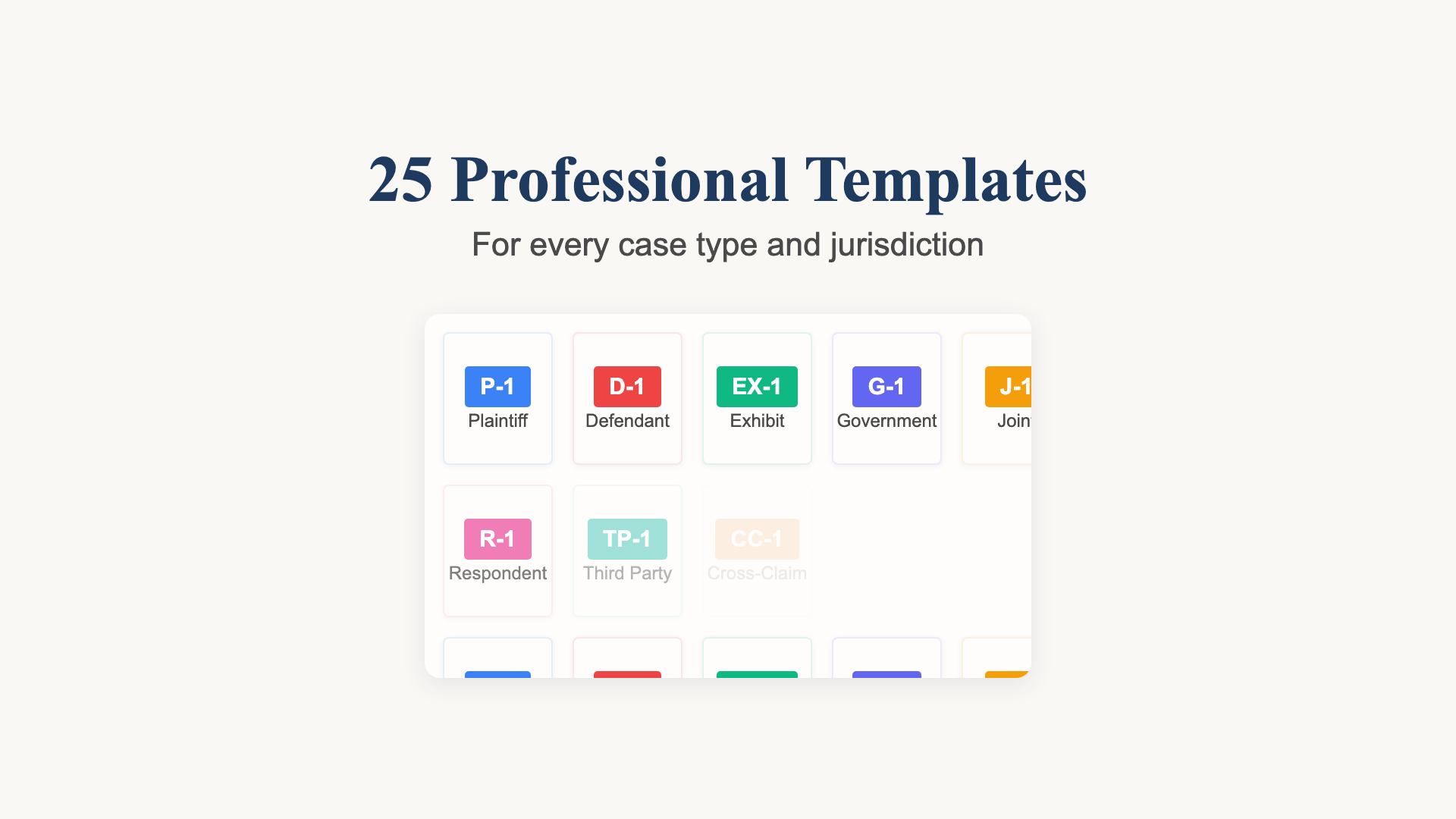
Choose and Check Your Exhibit Labels
A recorded template selection example with Plaintiff’s Exhibit numbering and a review of the actual document output.
36 seconds

From Three PDFs to a Reviewed Exhibit Bundle
Watch real app footage: add fictional PDFs, choose labels, position stamps, combine with linked contents, and inspect the exported bundle.
2:04
One PDF. Linked Contents. Labelled Exhibits.
See separate PDFs become a combined exhibit bundle with a linked table of contents, then review the exact export.
44 seconds