See Your Exhibit Bundle Before You Pay
Follow the written steps
Prepare your exhibits in four steps: documents, stamp, review, and download.
Getting Started with ExhibitPrepIncludes fixes for common problems. To hear the video, choose Watch with narration; captions are available in the player controls.
About This Video
Real app footage and a fictional three-document bundle: label exhibits, review the exact PDF, and preview free before purchasing a download.
Loading transcript…
Ready to Stamp Your Exhibits?
Add your documents and inspect the finished PDF before deciding to purchase a download.
Related Videos
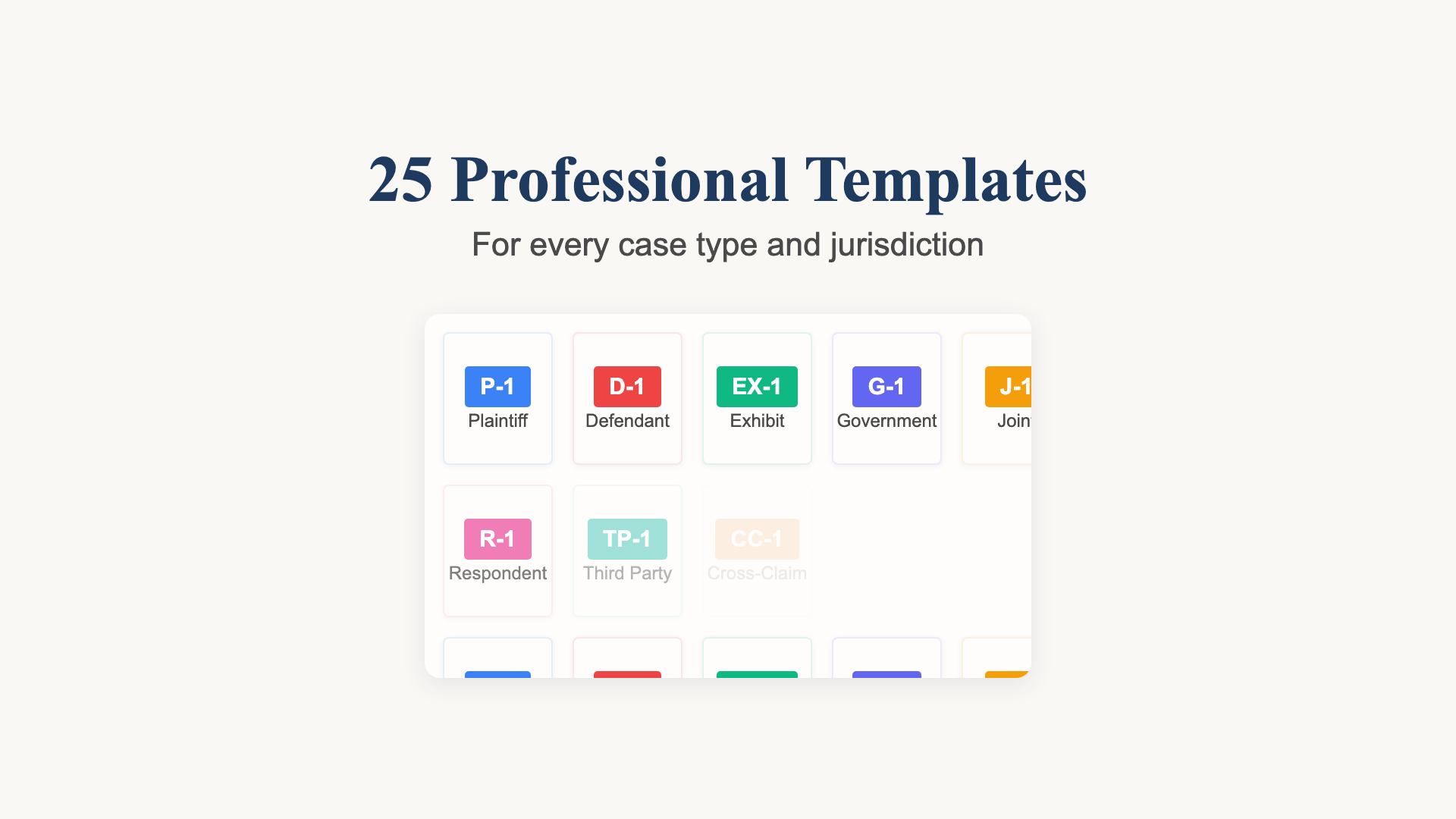
Choose and Check Your Exhibit Labels
A recorded template selection example with Plaintiff’s Exhibit numbering and a review of the actual document output.
36 seconds

From Three PDFs to a Reviewed Exhibit Bundle
Watch real app footage: add fictional PDFs, choose labels, position stamps, combine with linked contents, and inspect the exported bundle.
2:04
One PDF. Linked Contents. Labelled Exhibits.
See separate PDFs become a combined exhibit bundle with a linked table of contents, then review the exact export.
44 seconds